


Surveys & NPS
Guest Survey Software That Measures What Matters
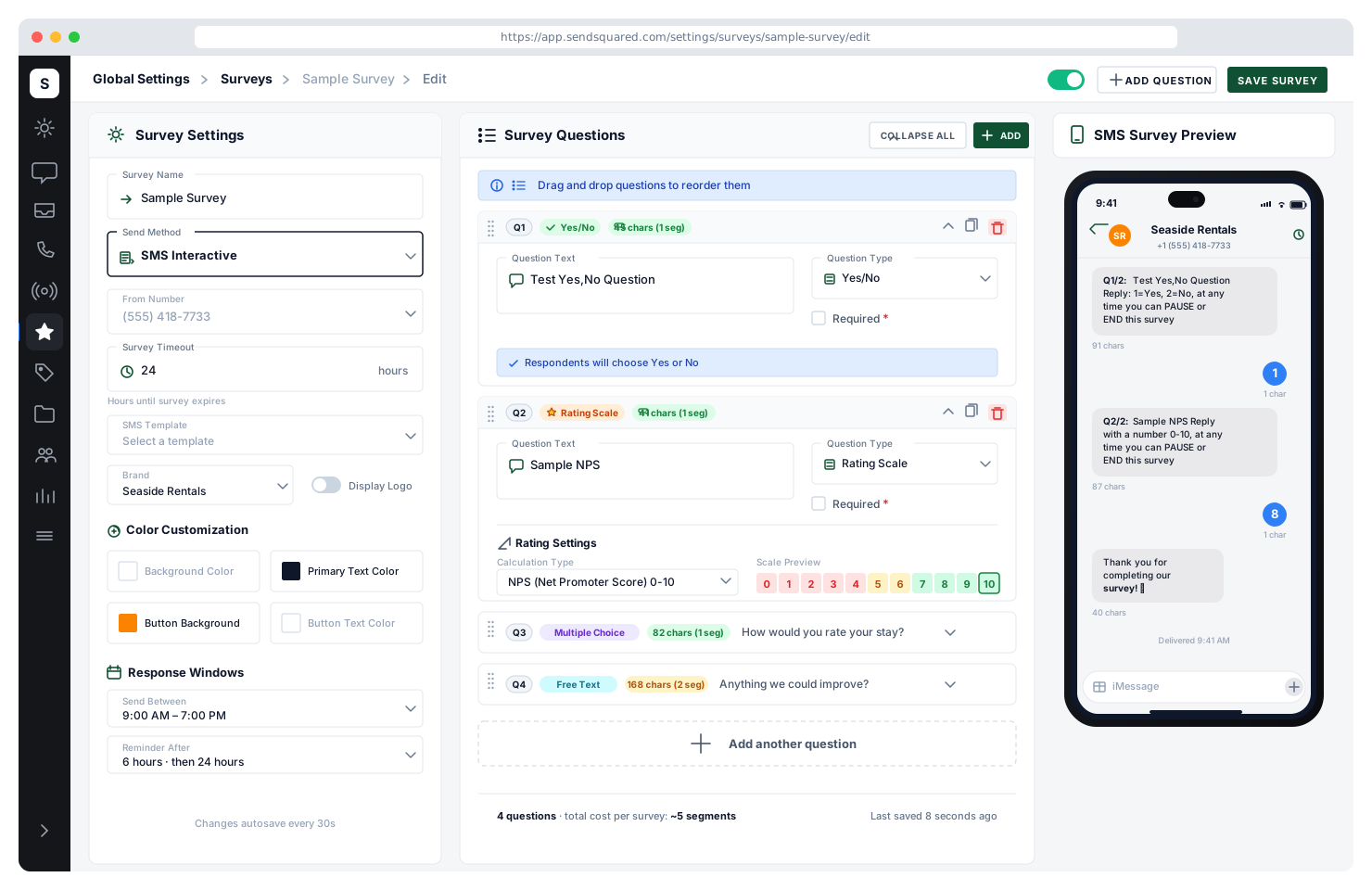
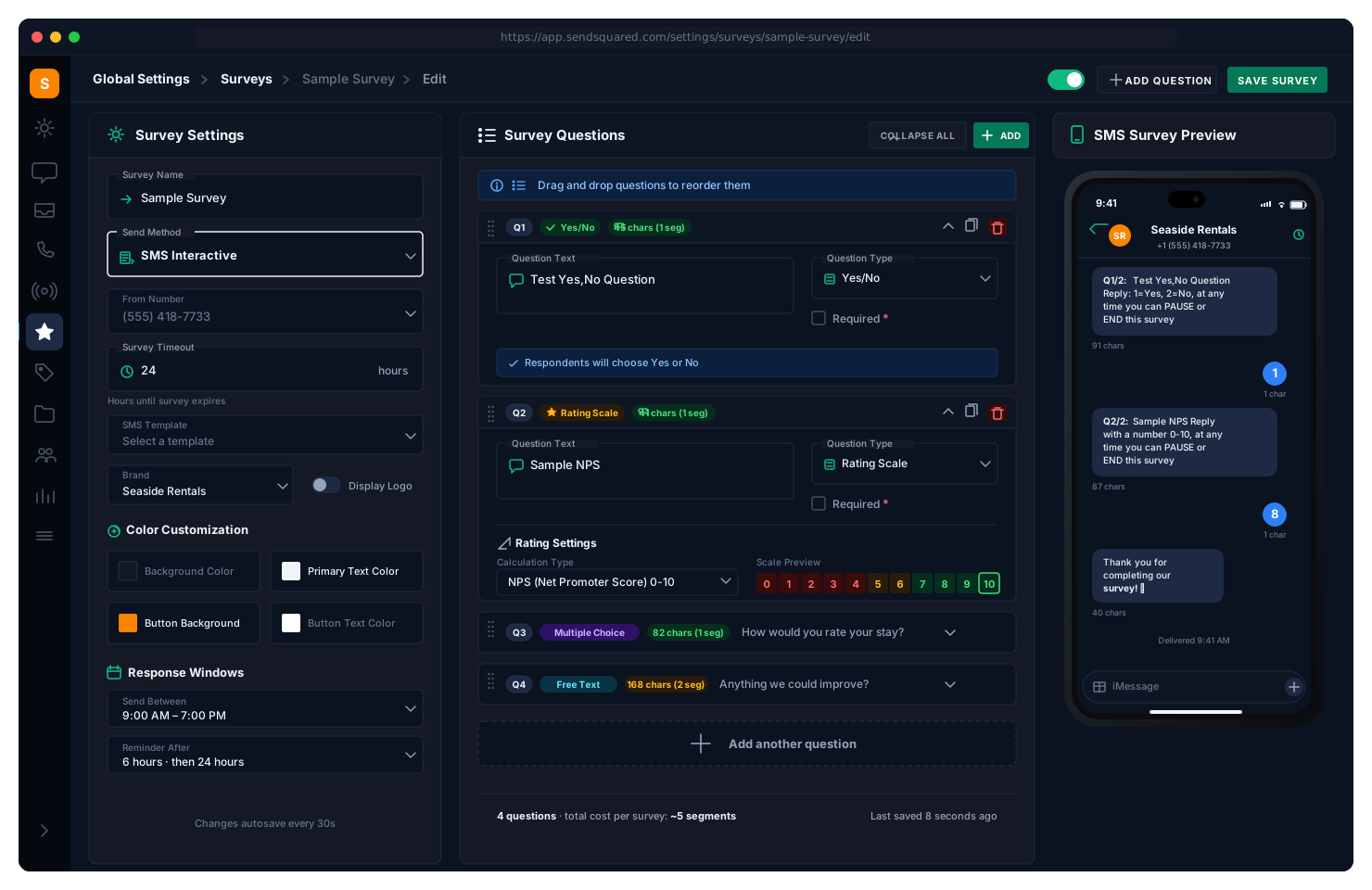
Guest survey software for hotels and vacation rentals. Reservation-based surveys capture real guest sentiment at every stage of the journey. From NPS scoring to Z-score analysis, get the statistical insights you need to improve operations and delight guests, delivered via email, SMS, or interactive text conversation.
5
Question Types
3
Delivery Channels
9
Automation Triggers
Reservation-Based Surveys
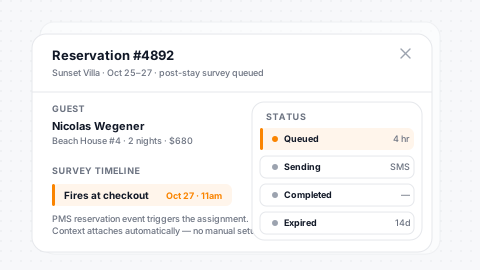
Automatically send surveys tied to specific reservations. Trigger post-stay feedback, mid-stay check-ins, or pre-arrival sentiment checks, all linked to the guest's reservation data in your PMS for complete context. Survey assignments track status through pending, sending, completed, cancelled, expired, and paused, giving you full visibility into every survey's lifecycle.
Reservation-Linked
Every survey ties to a reservation for full guest and stay context.
Every Stage
Post-stay, mid-stay, and pre-arrival sentiment timing covered.
Full PMS Context
Every response carries the full PMS record for deep analysis.
Lifecycle Tracking
Status runs through pending, sending, completed, cancelled, expired.
NPS Scoring & Z-Score Analysis
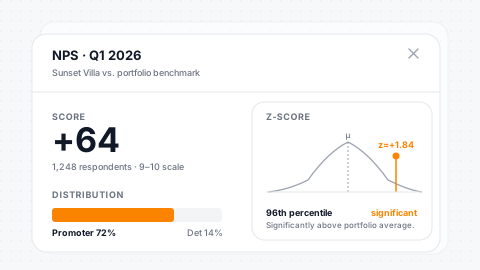
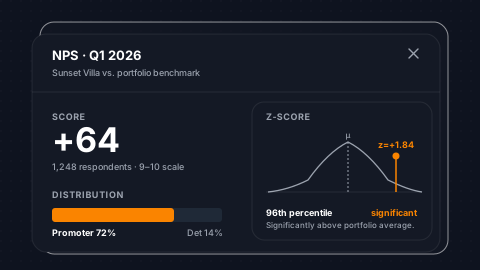
Go beyond simple satisfaction scores. Track Net Promoter Score with automatic Promoter (9-10), Passive (7-8), and Detractor (0-6) segmentation. Z-score analysis with precomputed mean, variance, and standard deviation reveals statistically significant trends across your portfolio, identifying which properties and teams are truly outperforming with percentile rankings.
Auto NPS
Promoter, passive, and detractor counts calculated automatically.
Z-Score Analysis
Mean, variance, standard deviation, and percentiles precomputed.
7 Interpretations
From 'significantly above' to 'significantly below' average.
Date-Filtered
Trend analysis across any time window you pick.
Question Types
Every Question Format You Need
Build surveys with the right question type for every scenario, from quick NPS ratings to detailed open-ended feedback.
Rating Scale
Customizable 1-10 scales for NPS and satisfaction scoring
Multiple Choice
Let guests select multiple options from your custom answers
Single Select
Radio-style questions for definitive single-answer responses
Yes / No
Quick binary feedback for simple satisfaction checks
Free Text
Open-ended responses with custom placeholder prompts
Multi-Channel Delivery
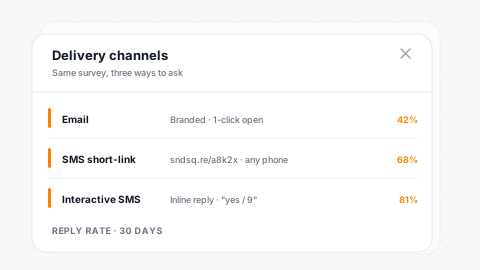
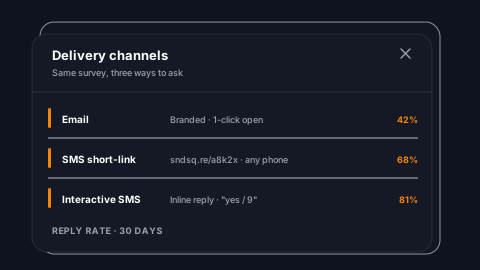
Reach guests where they are. Send surveys via email with branded templates, bulk SMS with a single link, or interactive SMS that delivers questions one at a time with real-time response collection. Interactive SMS surveys parse responses intelligently: numbered options for radio questions, comma-separated selections for multiple choice, and natural language for yes/no (accepting yes, yeah, yep, si, no, nope, nah).
Branded Email
Branded email survey templates land in the inbox cleanly.
Bulk SMS
Short URL tokens send survey links over SMS for mobile access.
Interactive SMS
Questions sent one at a time, responses collected in real time.
Smart Parsing
Numbered, multi-select, and natural-language responses all parse correctly.
Agent Notifications & Escalation
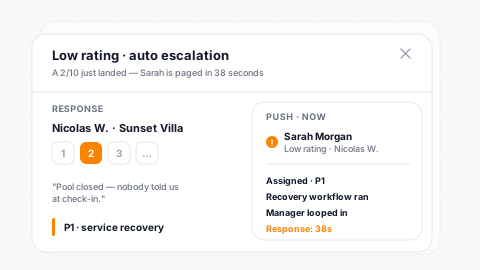
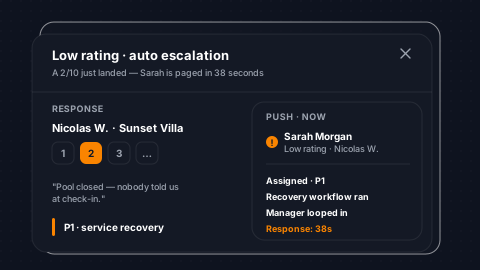
Never let a bad experience go unaddressed. Assign survey questions to specific team members and trigger instant notifications when responses need attention. Low ratings (1-3) automatically alert the right agent for real-time service recovery. NPS detector flags route to your guest relations team. High ratings trigger review request and referral workflows.
Per-Question Assign
Assign individual questions to specific agents or teams.
Low-Rating Alerts
Instant notifications on 1-3 ratings for real-time service recovery.
Detractor Flags
NPS detractor flags route to your guest-relations team.
Promoter Routing
High ratings launch review and referral follow-up workflows.
Automation
Survey-Driven Automation Triggers
Connect survey responses directly to your automation workflows. Every response becomes an opportunity to act.
Survey Completed
Trigger workflows when a guest finishes their survey
Low Rating Alert
Instant agent notification when a rating falls between 1-3
NPS Detractor
Flag scores 0-6 for immediate follow-up and recovery
NPS Promoter
Capitalize on scores 9-10 with review requests and referrals
High Rating
Route 8-10 ratings into upsell and loyalty workflows
Question Answered
React in real-time as individual questions are completed
Survey Reports & Analytics
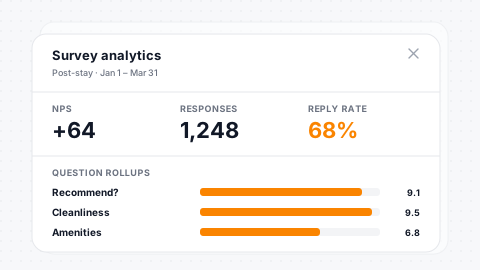
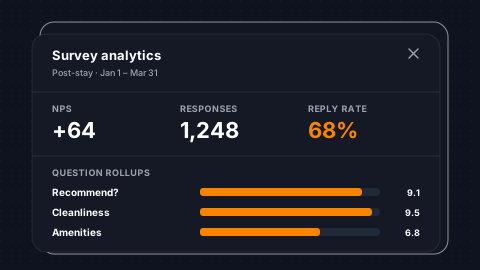
Comprehensive reporting on every survey. Response rollups group answers by question with total and unique respondent counts. NPS reports show promoter, passive, and detractor breakdowns with the calculated score. Z-score statistics compare individual question performance against your portfolio averages. Filter reports by date range and reservation type to isolate trends by property or season.
Question Rollups
Per-question answer distribution with total and unique counts.
NPS Breakdown
Promoter, passive, and detractor counts with the calculated score.
Z-Score Rankings
Statistical percentile ranking per question across the portfolio.
Smart Filters
Filter by date range and reservation type for targeted analysis.
Survey Duplication & Templates
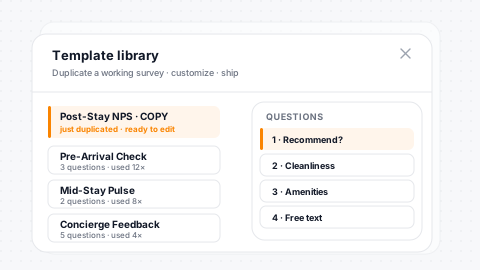
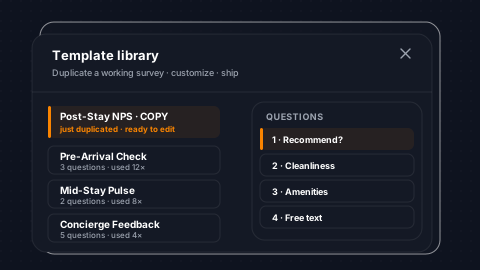
Duplicate any survey to create a copy with all questions, answers, and configuration preserved, ready for customization. Use proven survey structures as templates for new properties or seasonal campaigns. Duplicated surveys are created as inactive by default so you can customize before deploying. Build a library of survey templates for different touchpoints across the guest journey.
One-Click Clone
Duplicate any survey with full structure preserved instantly.
Full Carry-Over
Questions, answers, and branding all copy to the new survey.
Inactive Default
Duplicates start inactive so you can safely customize first.
Template Library
Build a library of standardized surveys across properties.
Branded & Customizable
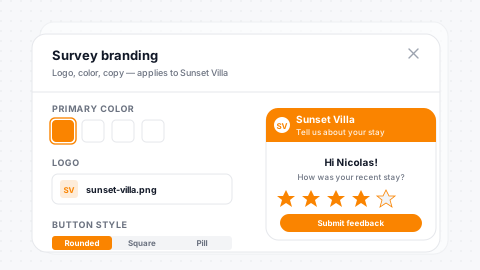
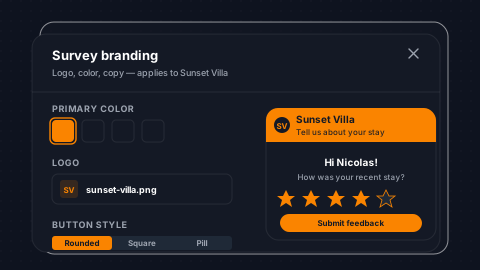
Make every survey feel like your brand. Customize background colors, button styles, category headings, and text colors, then add your logo for a polished, professional guest experience. Brand association scopes surveys to specific brands in multi-brand operations. The responsive public survey page renders beautifully on any device with dynamic styling based on your survey's color configuration.
Full Theming
Background, buttons, headings, and text colors all configurable.
Brand Logo
Display your logo in the header for a polished, branded feel.
Multi-Brand Scope
Surveys scope to specific brands in multi-brand operations.
Responsive
Public survey page renders beautifully on any device or screen.
Response Validation & Security
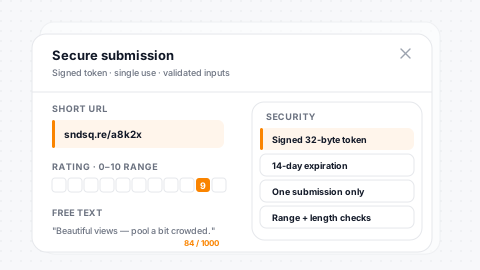
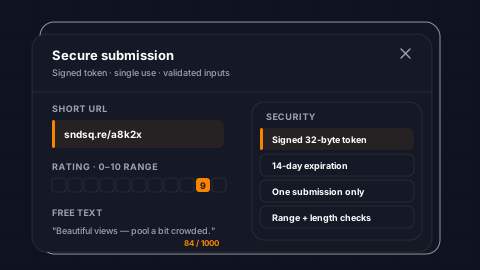
Type-specific validation ensures data quality on every response. Rating questions enforce range limits (0-10 NPS, 1-10 standard). Radio and multiple choice validate against defined answer options. Text responses have a 1,000-character limit. Short URL tokens provide secure, one-time survey access. Completed surveys display a completion page if the link is revisited.
Type Validation
Every question format validates per its type automatically.
Range Enforcement
Rating scales enforce 0-10 NPS and 1-10 standard bounds.
Token Access
Short URL tokens provide secure, one-time survey access.
Dup Prevention
Completion page handles revisit attempts: no duplicate submissions.
Survey Merge Fields & Delivery
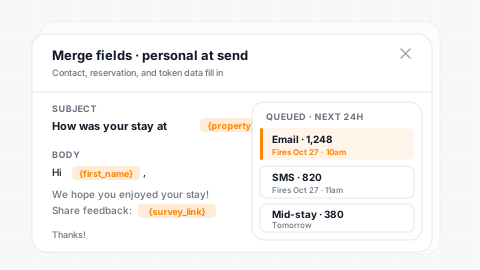
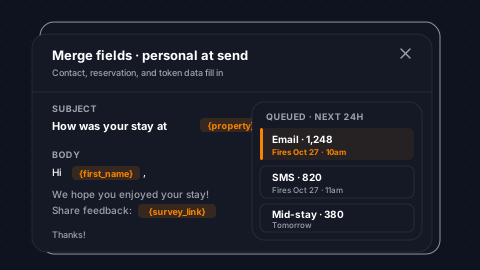
Embed survey links in any email or SMS template using merge fields. The survey link generates a short URL that works on any device with no app or login required. Survey merge fields work with the same fast merge engine as your email and SMS campaigns. Schedule surveys through the send queue with configurable fire times and expiration deadlines.
Merge Token
Embed survey links in any email or SMS template via merge field.
Short URLs
Generated short URLs open cleanly on any mobile device.
Scheduled Delivery
Configurable fire time and expiration per survey assignment.
Priority Queue
Priority-based send queue handles high-volume survey blasts.
Survey Lifecycle Management
Full control over every survey assignment. Status progresses through pending, sending, completed, cancelled, expired, and paused. Cancel surveys for individual contacts or in bulk. Pause and resume active surveys. Expiration deadlines automatically close surveys that aren't completed within your timeframe. The interactive SMS tracking flag ensures contacts aren't enrolled in multiple SMS surveys simultaneously.
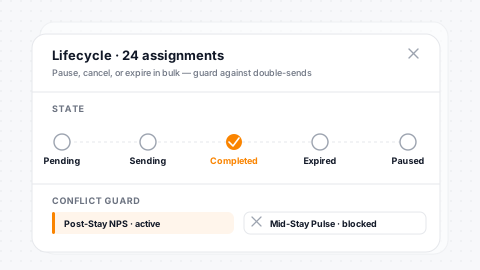
Six States
Pending, sending, completed, cancelled, expired, and paused are all fully tracked.
Bulk Cancel
Cancel individual or bulk survey assignments on demand.
Auto-Expire
Configurable expiration deadlines close stale surveys automatically.
Conflict Prevention
SMS-survey conflict prevention across simultaneous assignments.
Frequently Asked Questions
What types of surveys can I create?
NPS surveys, star rating surveys, and custom question surveys with multiple question types. All powered by PMS data with automatic guest personalization.
Can surveys trigger automations?
Yes. Triggers fire on survey sent, started, completed, question answered, and NPS score - letting you route promoters, passives, and detractors into different follow-up workflows.
How are survey results analyzed?
Z-score statistical analysis surfaces significant trends by property or agent. NPS scoring with response-level detail and agent alerts on low scores.
Are surveys sent automatically?
Yes. Tie surveys to automation workflows triggered by reservation events - send post-stay surveys automatically after checkout without manual effort.
Start Hearing From Your Guests
Turn guest feedback into actionable insights with reservation-based surveys.
Schedule a DemoExplore More