


Operations
Task Management
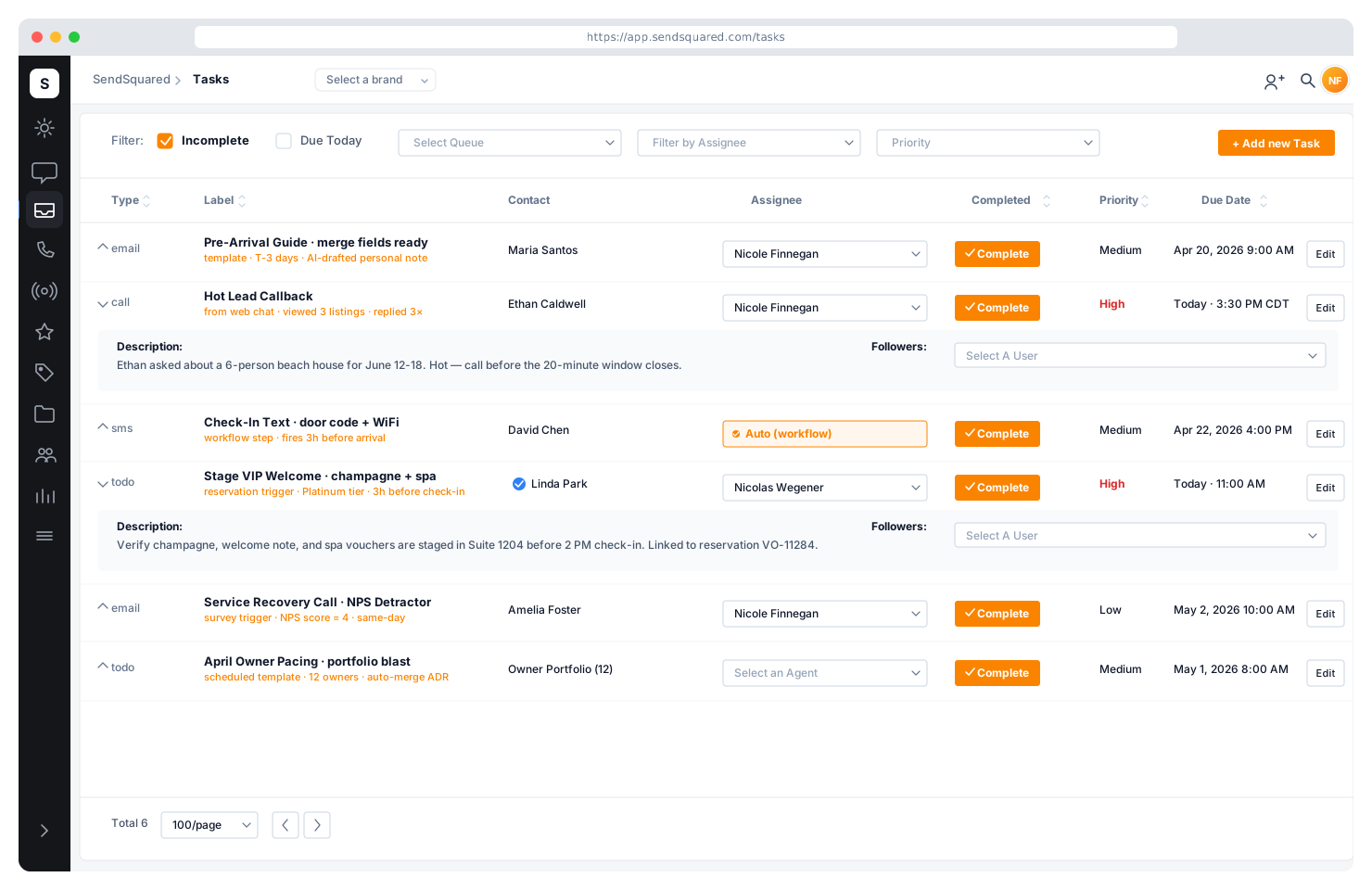
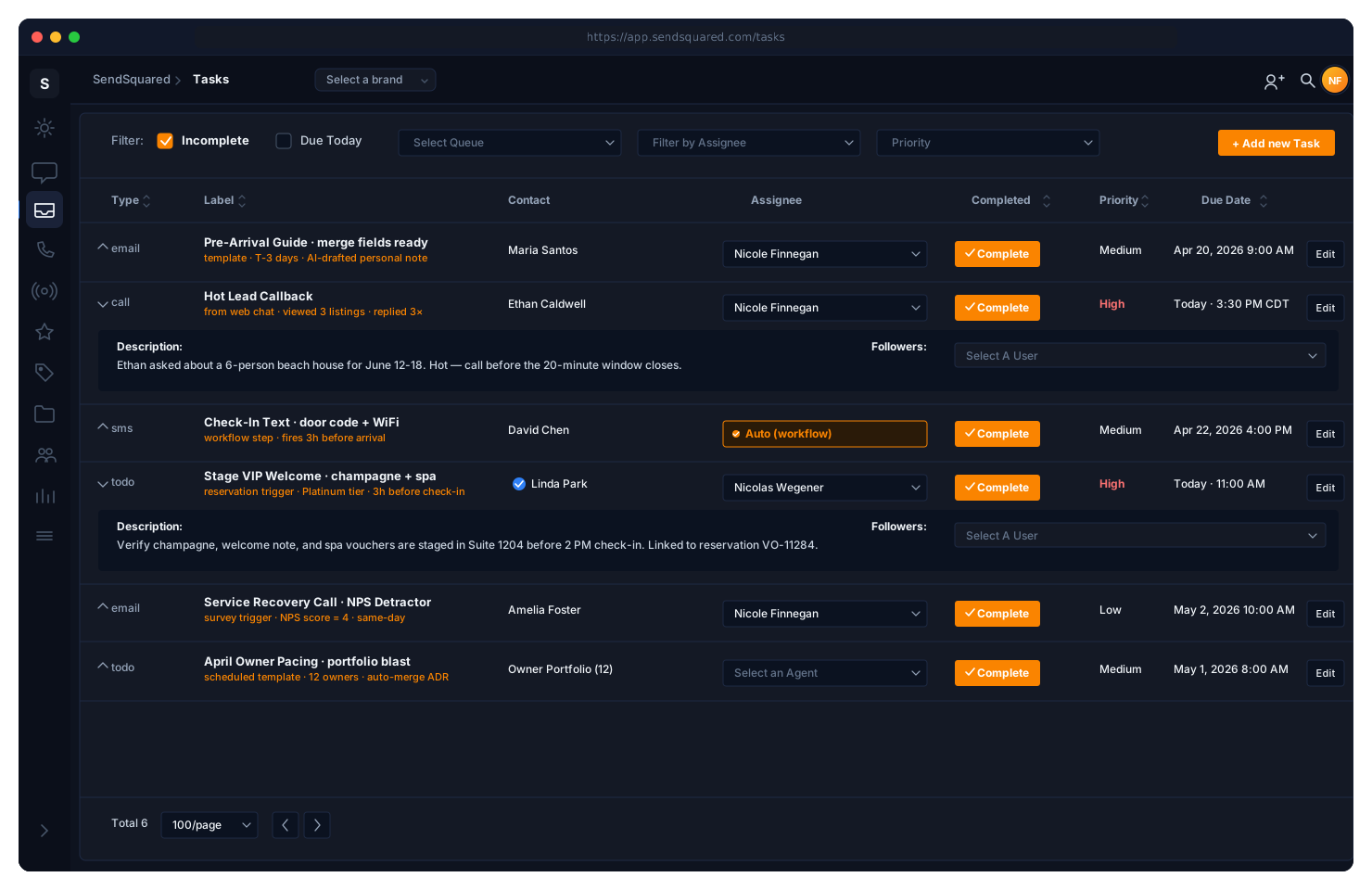
Tasks that live where your work happens. Linked to contacts, queues, and leads with custom types, priority levels, agent assignment, due dates, and reminders. Auto-generate tasks from workflow automations or create them manually. Manage everything from the web CRM or the mobile app.
Task Types & Priorities
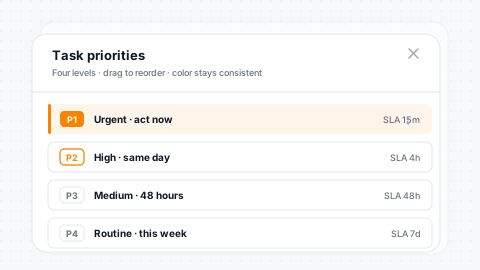
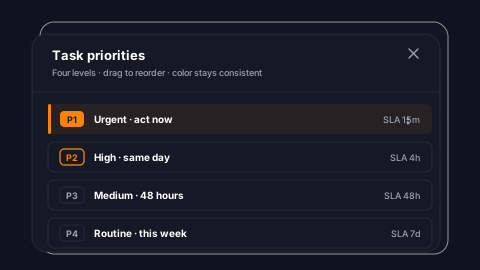
Define custom task types that match your operations: follow-up call, maintenance request, owner check-in, guest complaint, turnover inspection. Set one as the default for quick creation. Custom priority levels with numeric ordering ensure your team knows what to tackle first. Lower priority numbers mean higher urgency.
Custom Types
Define your own task types per company: maintenance, owner check-in, callbacks.
Priority Levels
Numeric priority ordering ensures agents tackle the right work first.
Display Order
Control the order type and priority dropdowns present options to agents.
Soft Delete
Historical tasks retain their type labels even after a type is retired.
Agent Assignment & Followers
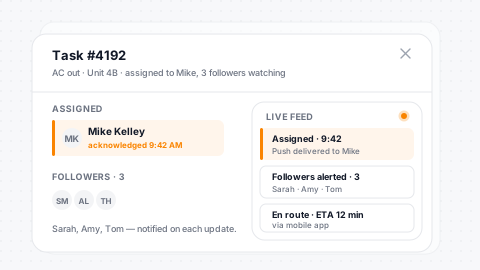
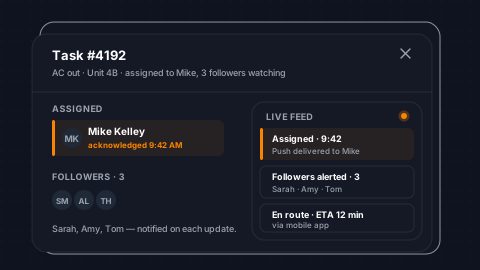
Assign tasks to specific agents with permission-controlled routing. Separate permission controls govern who can assign, who can assign to others, and who can reassign. Add followers to any task, meaning team members who get notified on updates without being the primary assignee. Task events push to assigned agents instantly.
Permissioned Assign
Assign, reassign, and assign-to-others each have their own permission control.
Follower Lists
Add watchers who get notified on updates without owning the task.
Real-Time Push
Task events reach assigned agents the moment they happen, with no refresh needed.
Targeted or Broadcast
Notify a single agent or broadcast to the whole team, per event type.
Contact & Queue Linking
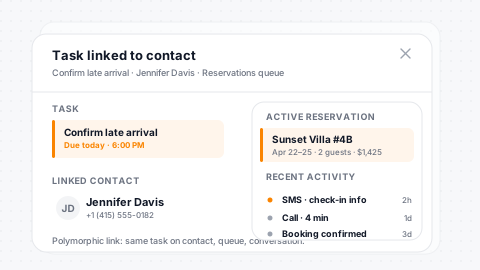
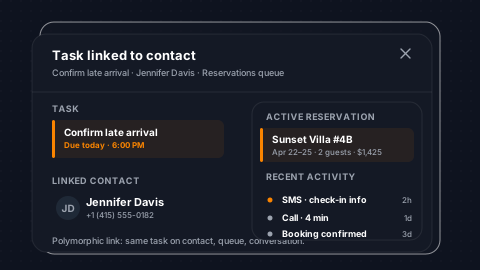
Every task can link to a contact record, giving the assigned agent full CRM context, reservation history, and communication timeline when they open the task. Tasks also link to voice queues, connecting operational work to your call center workflow. The contact's full profile is embedded in the task output so agents never need to search for context.
Contact-Linked
Every task can attach to a contact, pulling in CRM context automatically.
Queue Association
Link tasks to voice queues to tie operations into call-center workflow.
Embedded Profile
Contact profile renders inside the task detail, with no tab switching.
Reservation History
Agents see stay history and timeline alongside the task.
Due Dates, Reminders & Completion
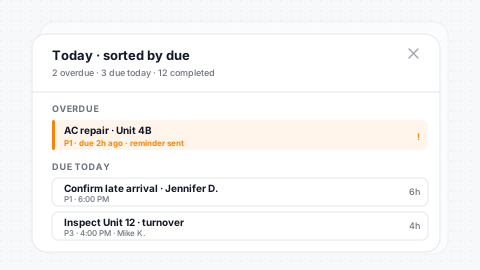
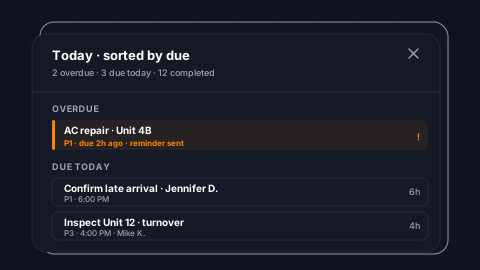
Set due dates to keep your team on schedule. Configurable reminders alert agents before a task is overdue. Mark tasks complete with timestamp and attribution, tracking who finished the work and when. Search, filter, and sort tasks by assignee, type, priority, due date, or completion status to manage workload across your entire team.
Due Dates
Set due dates with configurable reminder notifications before they hit.
Completion Audit
Completion records timestamp and the agent who finished the work.
Filter & Sort
Slice the task list by assignee, type, priority, or completion status.
Efficient Scroll
Cursor-based and offset pagination handle large task lists smoothly.
Workflow-Generated Tasks
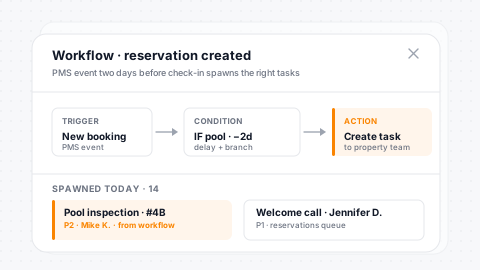
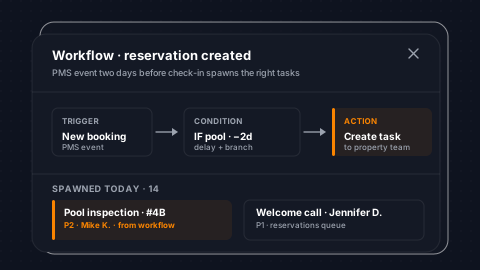
Tasks don't have to be manual. Workflow automations auto-generate tasks when triggers fire: a reservation is created, a lead status changes, a survey score drops below threshold. Each auto-generated task carries the action ID that created it, linking operational work directly to the automation that triggered it. Your team gets assigned work without anyone clicking a button.
Auto-Generate
Workflows create tasks on reservation, lead, and survey events, all hands-free.
Workflow Action
Task creation sits alongside email, SMS, and tag actions in every workflow.
Action ID Trace
Each task carries the automation ID that spawned it for full traceability.
Time-Delayed
Combine with delay nodes to schedule tasks for the right moment in a flow.
Notes & Attachments
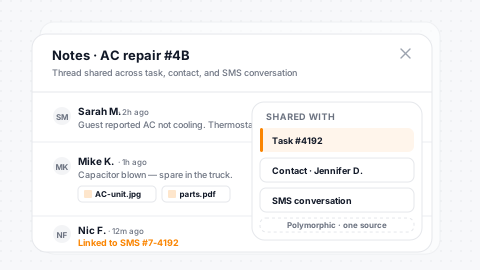
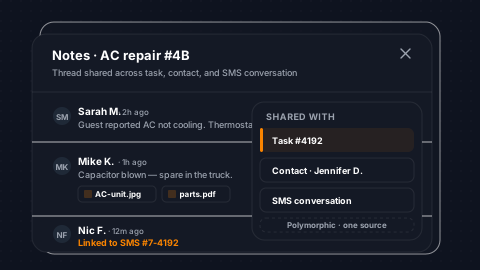
Add notes to any task with rich text content and file attachments. Notes are polymorphic; they attach to tasks, contacts, conversations, and leads, creating a unified note system across the platform. When a note is added to a conversation-linked task, the contact association carries forward automatically.
Rich Text Notes
Write notes with formatting and attach files to any task.
Polymorphic
The same note system spans tasks, contacts, conversations, and leads.
User Attribution
Every note records who wrote it for accountability and audit.
Auto Contact Link
Notes on conversation-linked tasks automatically carry the contact forward.
Mobile Task Management
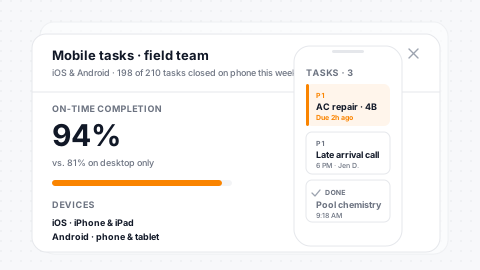
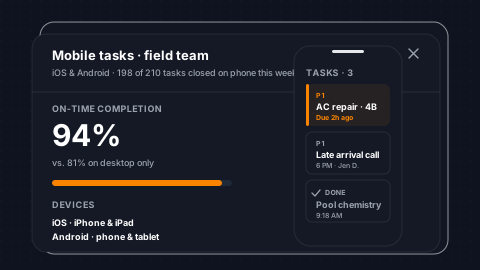
Full task management on the SendSquared mobile app. Create, edit, assign, and complete tasks from iOS and Android. Push notifications alert agents to new assignments and approaching due dates. Your field team, remote agents, and on-property staff manage their work from anywhere without opening a laptop.
Full iOS & Android
Create, edit, assign, and complete tasks from native mobile apps.
Push Notifications
Push alerts for new assignments and approaching due dates on mobile.
On-the-Go Complete
Mark tasks done from the field with full completion tracking preserved.
Parity With Web
Same filter, sort, and search options on mobile as the web CRM.
Testimonials
What Our Clients Say
“SendSquared is the second most important thing in our company outside of our PMS. All of our departments use it. Everyone in the company uses SendSquared. The engagement is what keeps us so well connected, and we are adding on average 10 doors a month at this point.”
Steven Wood
Founder, Host and Home
“SendSquared took everything we relied on and made it better, easier to use, and more centralized. Having everything in one platform has been a major improvement for our team.”
Mark Ryan
Revenue Manager, Wilderness Resorts & Waterparks
“In typical SendSquared fashion, it was easier than I expected.”
Brendan Curtin
CMK Development, Sailrock South Caicos
“The SendSquared tape chart has been our lifeline on the road. I used to print the calendar before heading out — now everything is right there, even with last-minute changes.”
Kim Collin
, Caribbean Villas of St. John
“I can definitely attribute a good number of reservations to SendSquared. Between the easy follow-up communication within the system and the CRM pulling up information as a call comes in, our reservations team is being more intentional on their calls, resulting in better conversions.”
Brock Reich
Chief Operating Officer, Orlando Resorts Rental
Frequently Asked Questions
Can tasks be generated automatically?
Yes. Automations create tasks on reservation events, lead status changes, survey responses, and more - with full context inherited from the trigger.
How are tasks assigned to team members?
Assign tasks manually, by round-robin, or through automation rules. Track completion rates per agent with due date management and priority levels.
Can I link tasks to leads or reservations?
Yes. Tasks inherit context from leads and reservations, so the assigned agent has full visibility into the guest history and pipeline stage.
Is there a mobile app for task management?
Yes. Full task management on iOS and Android with push notifications for new assignments, due dates, and status changes.
Ready to Get Started?
See how SendSquared can transform your hospitality operations.
Schedule a Demo